All plugins
Drafting Objects
Multi Fan Out
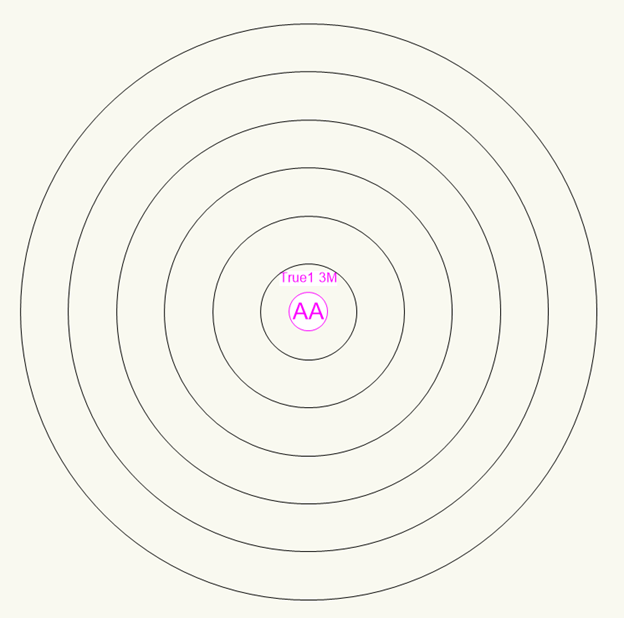
Draw multi fan outs on the plot quickly, with optional cable range circles to help with cable calculations.
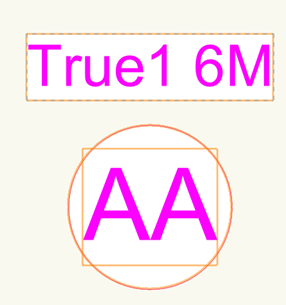
Select the type of fan out and place it on the plot. Custom fan out types can be added in Prod Lx Preferences. The Object Info Palette has checkboxes for displaying the multi head type, and an option to draw circles depicting the length of each way of the fan out to help with cable calculations.
Within Prod Lx Preferences you can add custom fan out types, customise the cable lengths, and set the colour of both the fan out and the cable range circles.
There is also a motor version of this object called PLX Motor Fan Out.