Featured
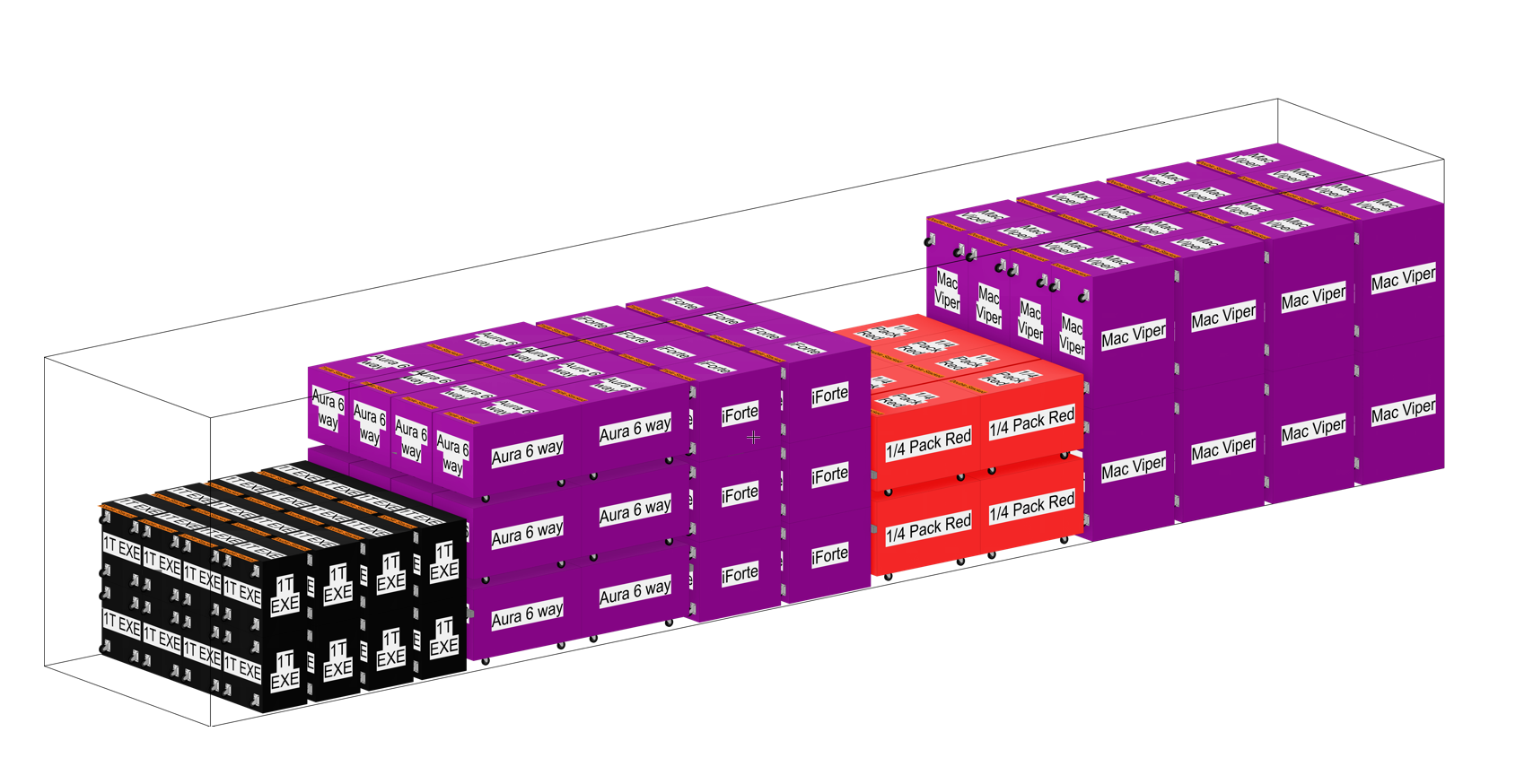
TruckPack
A series of tools for drawing out truck packs. Check whether everything fits, and work out the most efficient pack before you are on the loading dock.
Learn more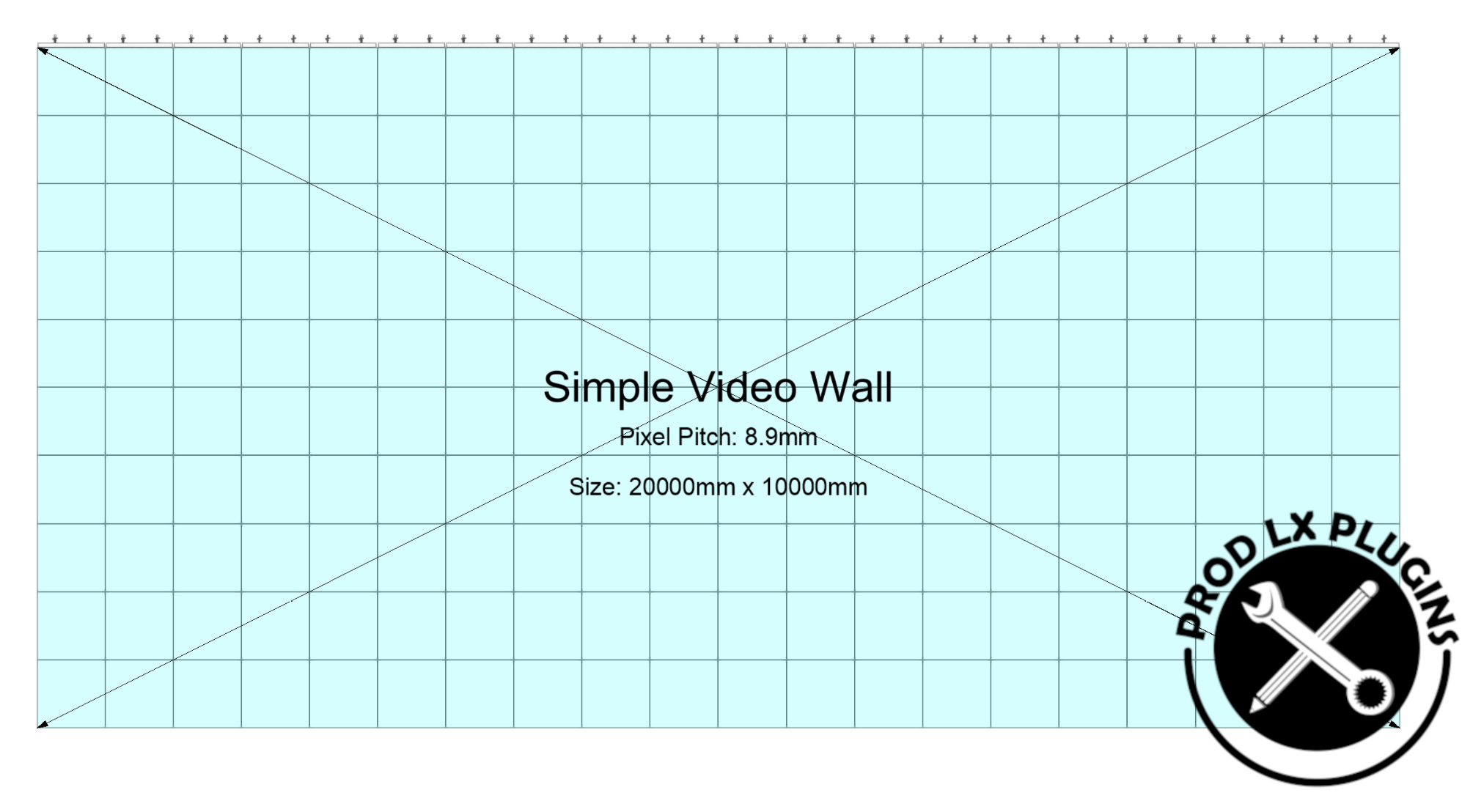
Simple Video Wall
Quickly create LED video screens with their associated hardware. Straight and curved screens, header bars and a choice of rigging methods.
Learn more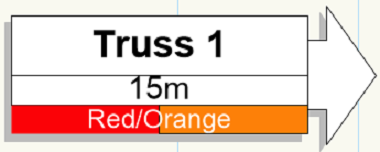
Position Note
Shows trim height and position colour, and estimates the weight of each Spotlight hanging position including a cable allowance.
Learn moreAll plugins
Everything in the Prod Lx Vectorworks range, grouped by what it does.
TruckPack
A series of tools for drawing out truck packs. Check whether everything fits, and work out the most efficient pack before you are on the loading dock.
Learn moreSimple Video Wall
Quickly create LED video screens with their associated hardware. Straight and curved screens, header bars and a choice of rigging methods.
Learn more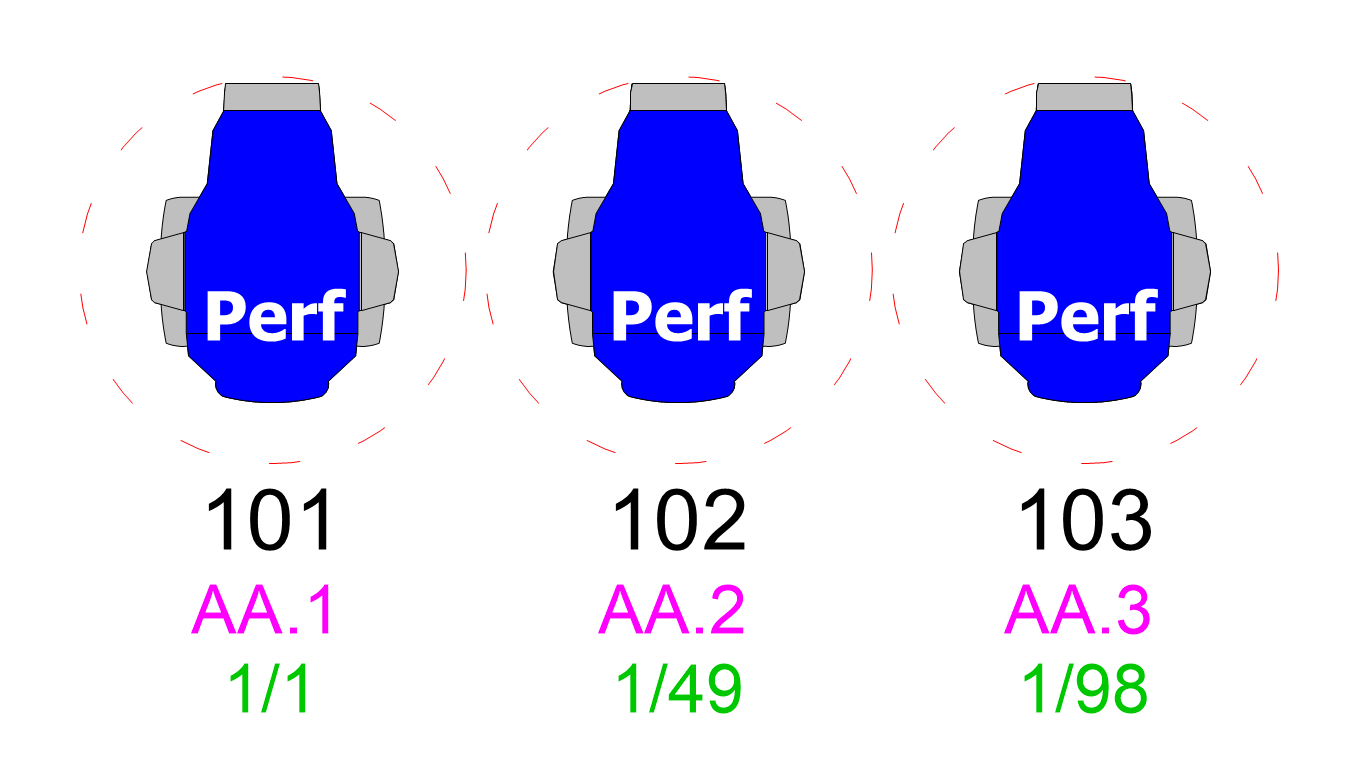
Selection Tools
Select lighting fixtures and truss objects that share a property with the object you currently have selected.
Learn more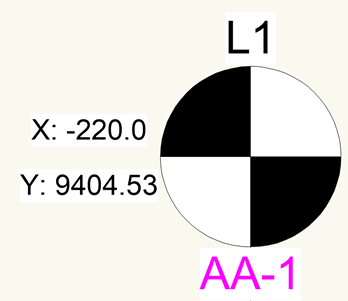
Simple Motor
Simple 2D motor symbols for a plot, without the extra features of the standard Vectorworks hoist object.
Learn morePosition Note
Shows trim height and position colour, and estimates the weight of each Spotlight hanging position including a cable allowance.
Learn more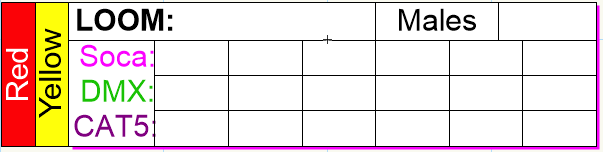
Loom Note
Clearly display your cable looms on the plot. Colour, type and every field are set from the Object Info Palette.
Learn more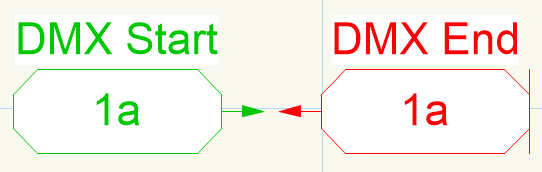
DMX Note
Mark the start and end of DMX lines with a labelled, directional note that the cross-check commands can verify.
Learn more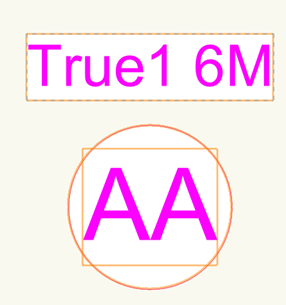
Multi Fan Out
Draw multi fan outs on the plot quickly, with optional cable range circles to help with cable calculations.
Learn moreMotor Fan Out
The Multi Fan Out object built for motor distribution. Draw motor fan outs on the plot with the same options and cable range circles.
Learn more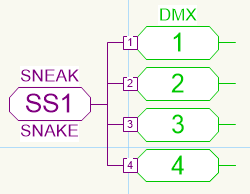
Sneak Snake Notes
An object for displaying sneak snakes on a plot, with every field filled in from the Object Info Palette.
Learn moreFlip Units
Flip lighting devices by 180 degrees, choosing which units are affected by symbol name, layer or selection.
Learn more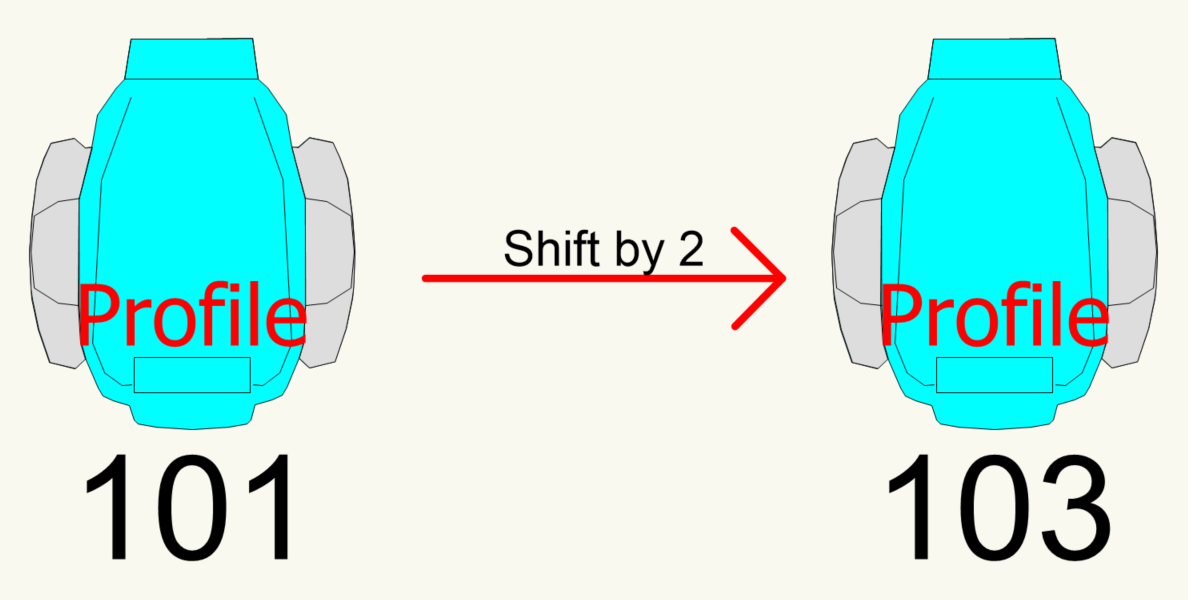
Shift Channel Number
Shift the channel number of the selected units up or down by a specified amount.
Learn moreImport Patch from CSV
Import a patch from a CSV file and patch every corresponding fixture in one go.
Learn moreExport ChamSys Patch
Export a CSV of fixture patch and XYZ data ready to import into the ChamSys MagicQ range.
Learn moreExport Worksheet to CSV
Recalculate a specific worksheet and export it straight to CSV.
Learn moreChannel Checker
Find fixtures with missing channel numbers and spot likely errors such as accidentally skipped channels.
Learn more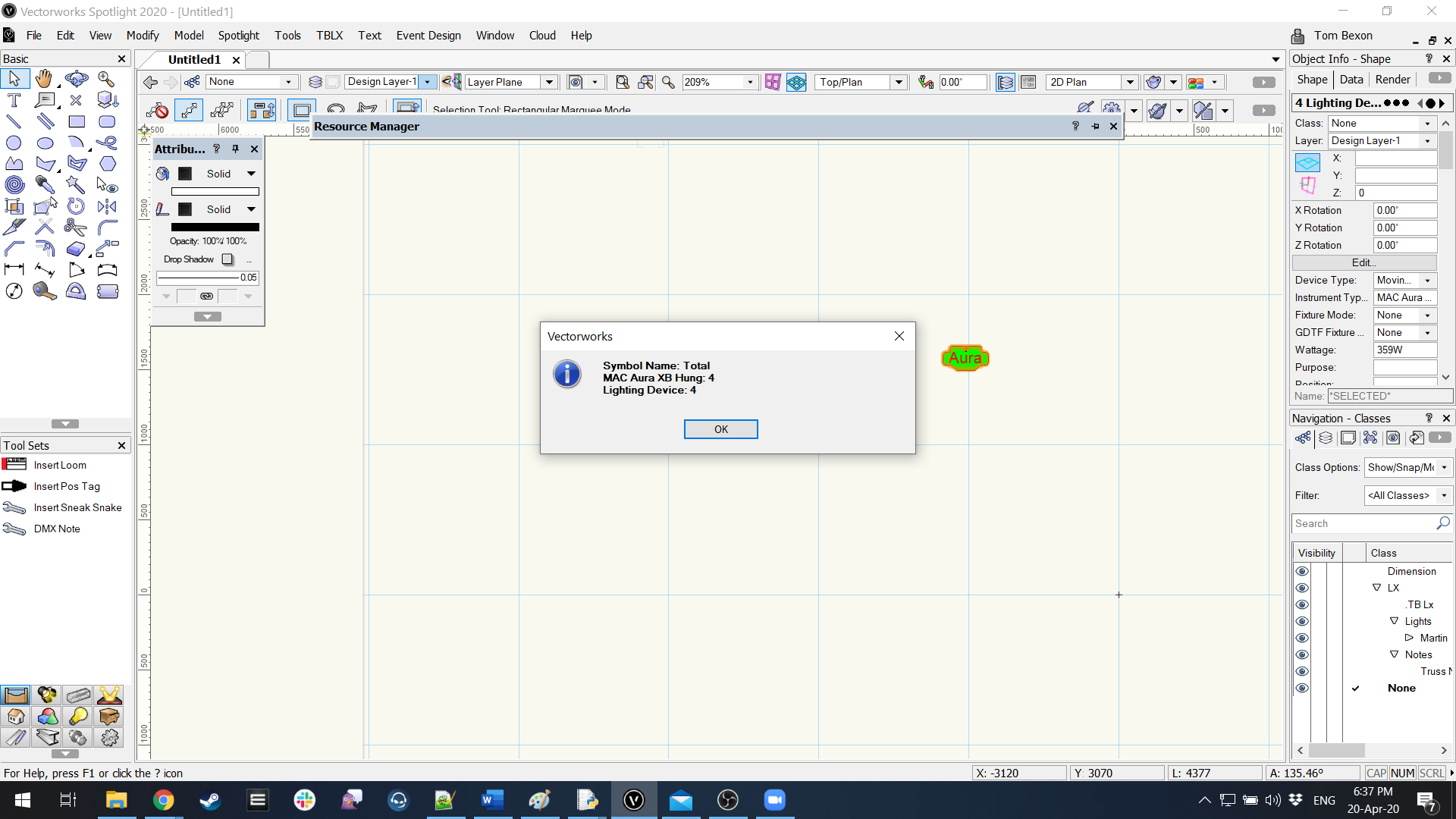
Count Objects Selected
Count every light, truss, plug-in object and symbol in your selection and see a summary in a dialog.
Learn more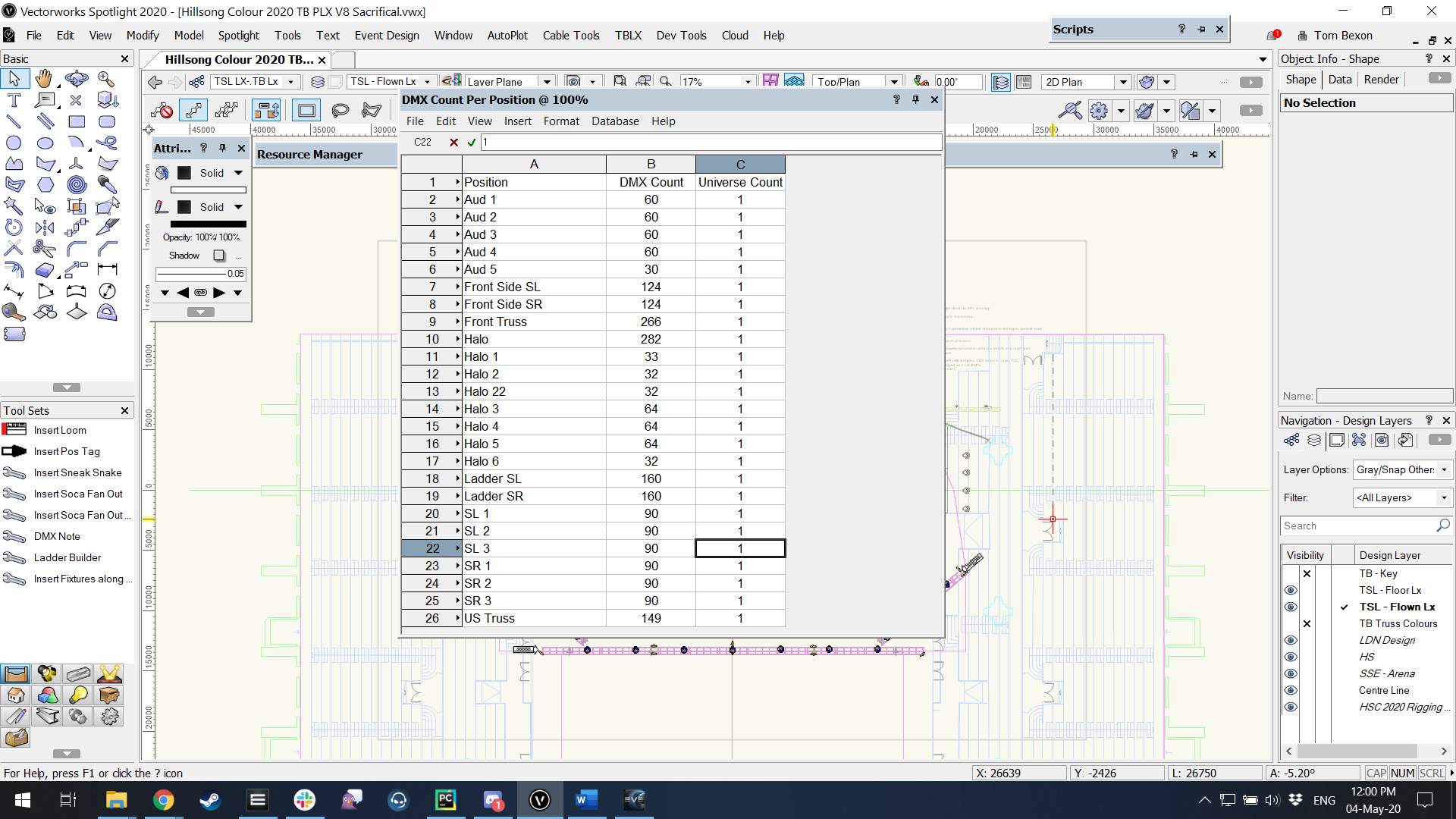
DMX per Position
A worksheet of total DMX count and minimum universe count for every Spotlight position.
Learn more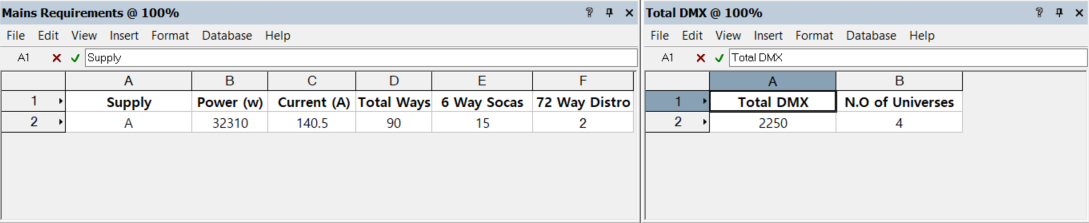
Mains & DMX Requirements
Total power, total DMX and fixture count for the whole document, split by supply where one is set.
Learn more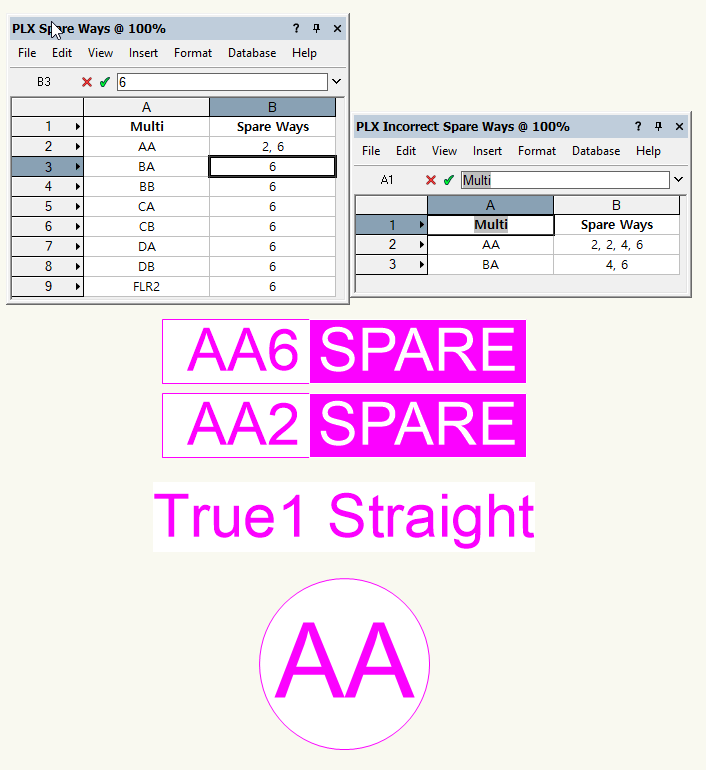
Check for Missing Spare Ways
Find unused multi ways that should be marked spare, and spare ways that are actually in use.
Learn more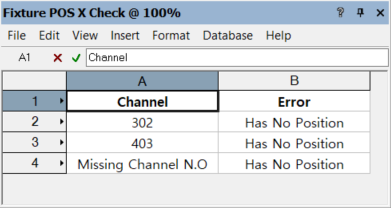
Fixture Position Check
Does every fixture have a position assigned? Get a worksheet of any that are missing one.
Learn more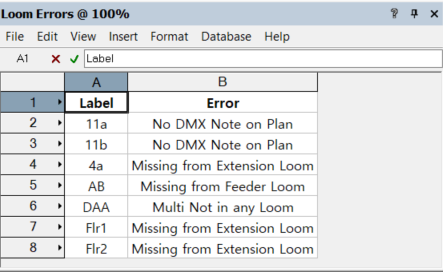
Loom Cross Check
Check that DMX and Soca labels in your looms, sneak snakes and notes all match, so nothing is missed.
Learn more
Create Position Colours
Draw coloured rectangles over each hanging position using the colour set in its Position Note.
Learn moreProd Lx Preferences
Customisable settings for the whole Prod Lx plug-in range.
Learn moreRecalculate All Worksheets
Recalculate every worksheet in the active document with one command.
Learn more